Everything for everyday nutrition tracking
Built around fast food logging, useful nutrition summaries, and simple insights users can understand.
Food Image Scanning
Scan or add meal images and receive nutrition estimates such as calories, protein, carbs, fat, fiber, and sugar.
Nutrition Analysis
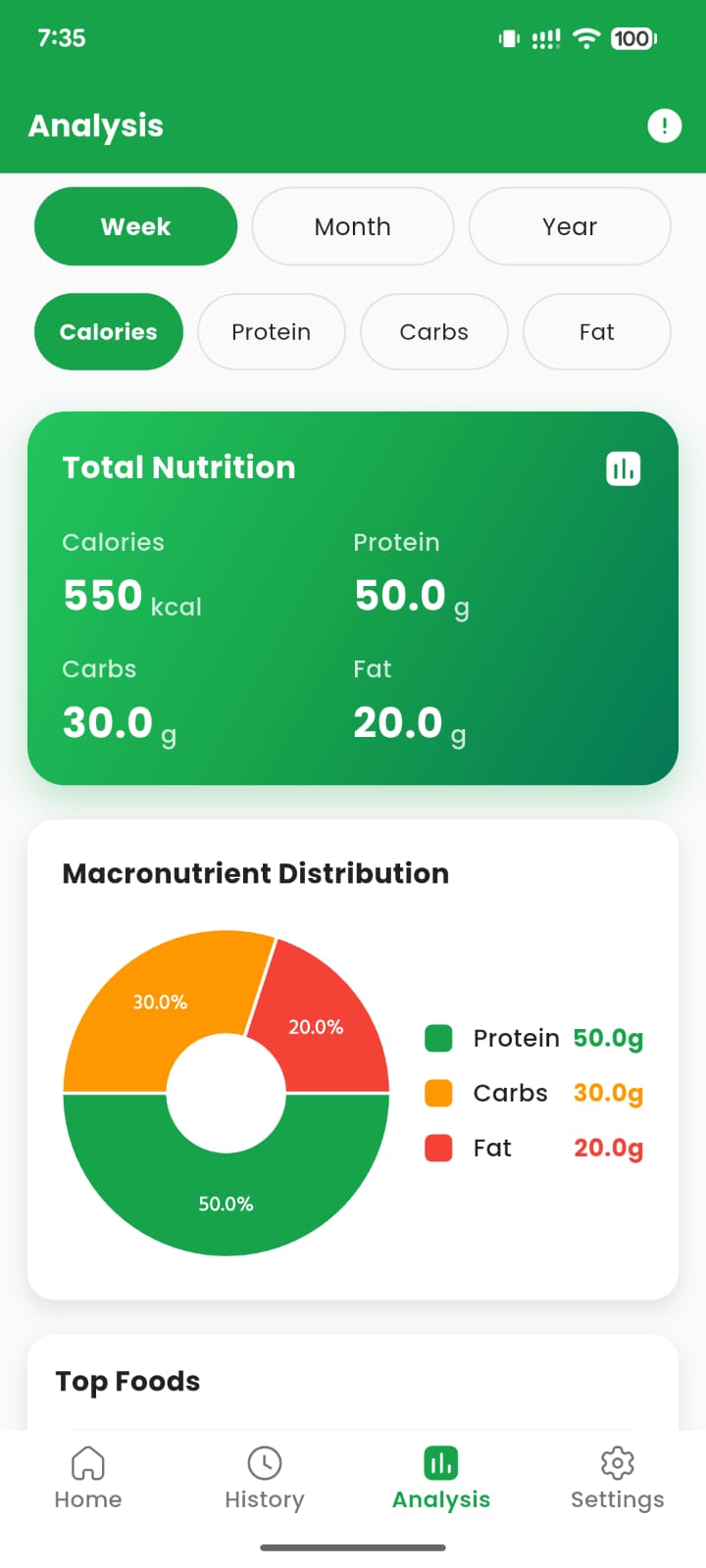
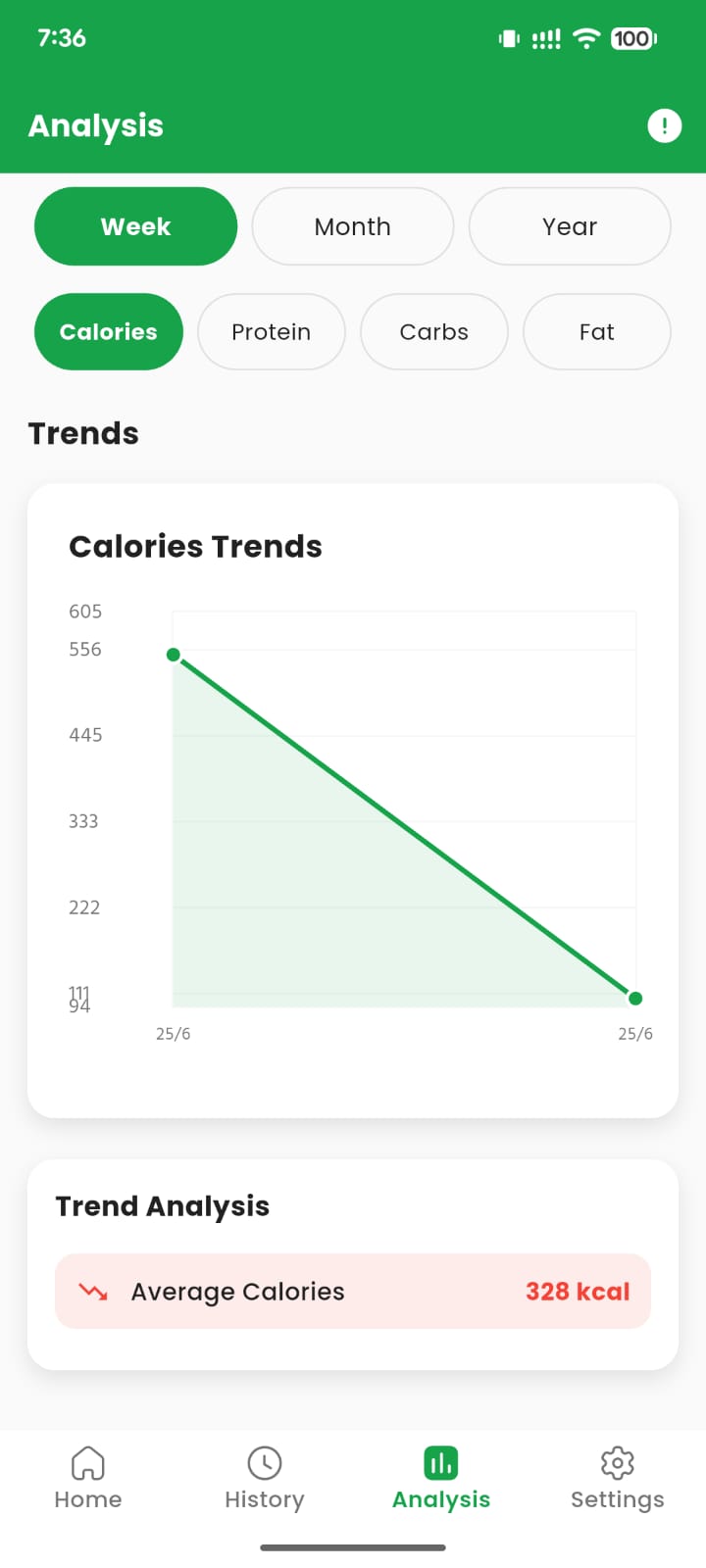
View weekly, monthly, and yearly trends with visual charts for calories and macronutrients.
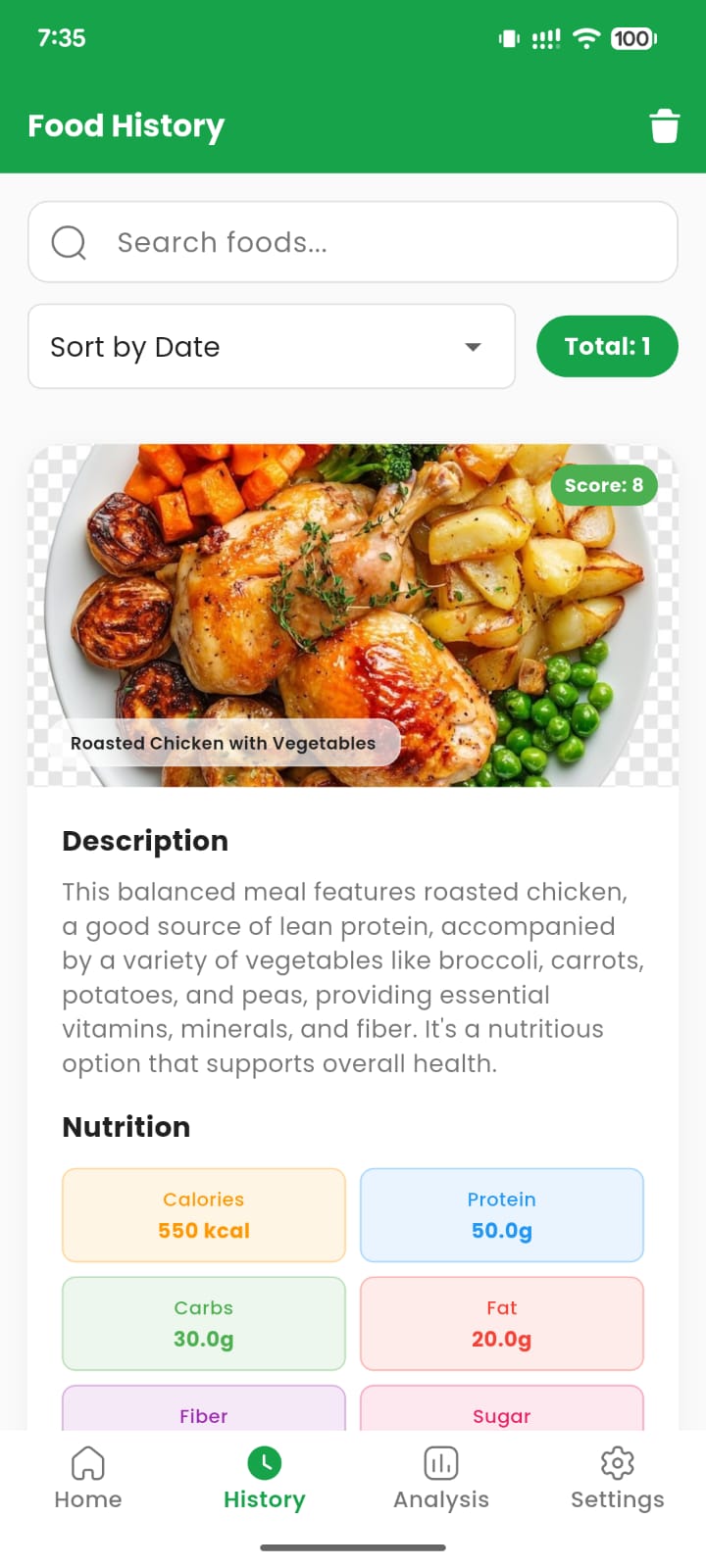
Food History
Save meals, view previous scans, search history, sort entries, and remove records when needed.
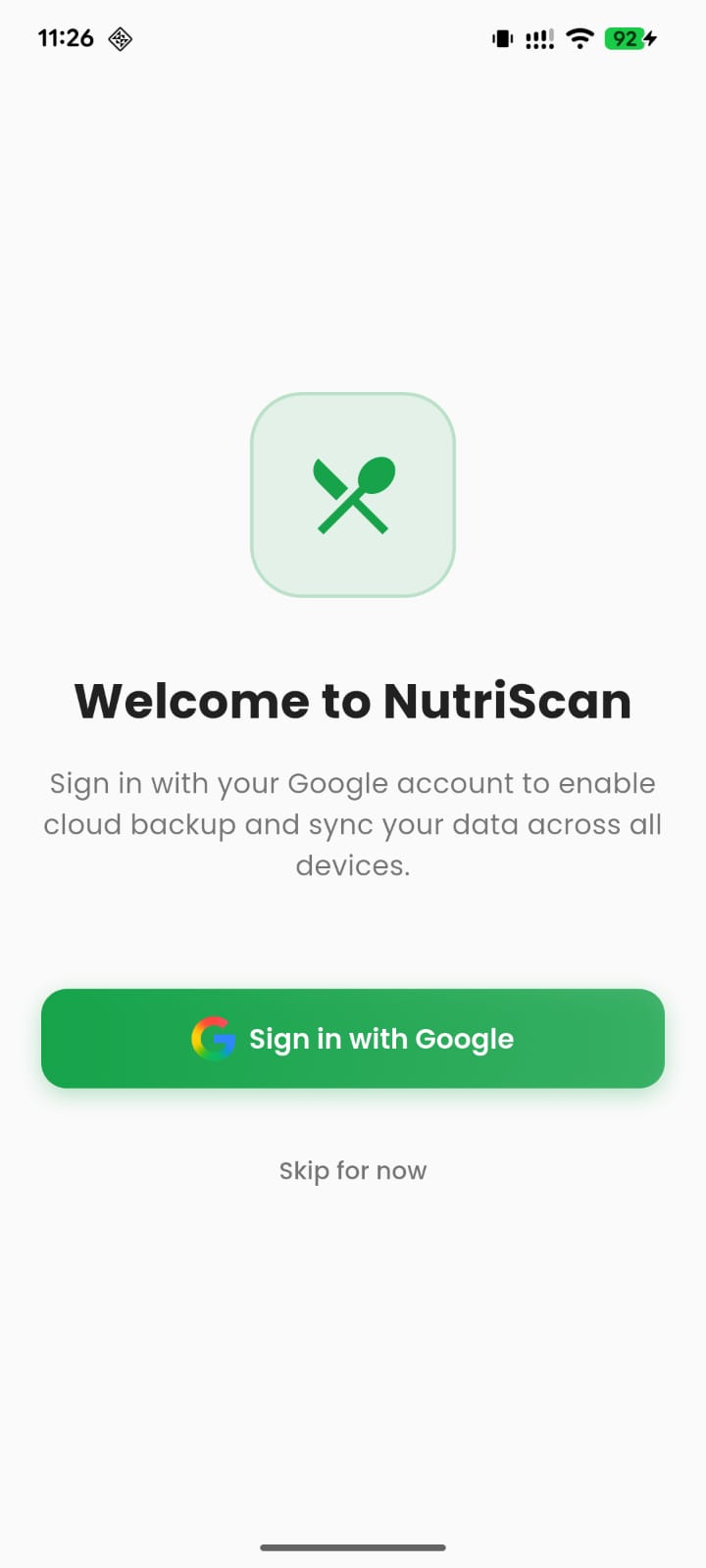
Google Sign-In
Use Google account login to enable cloud backup and sync across supported devices.
Dark Mode
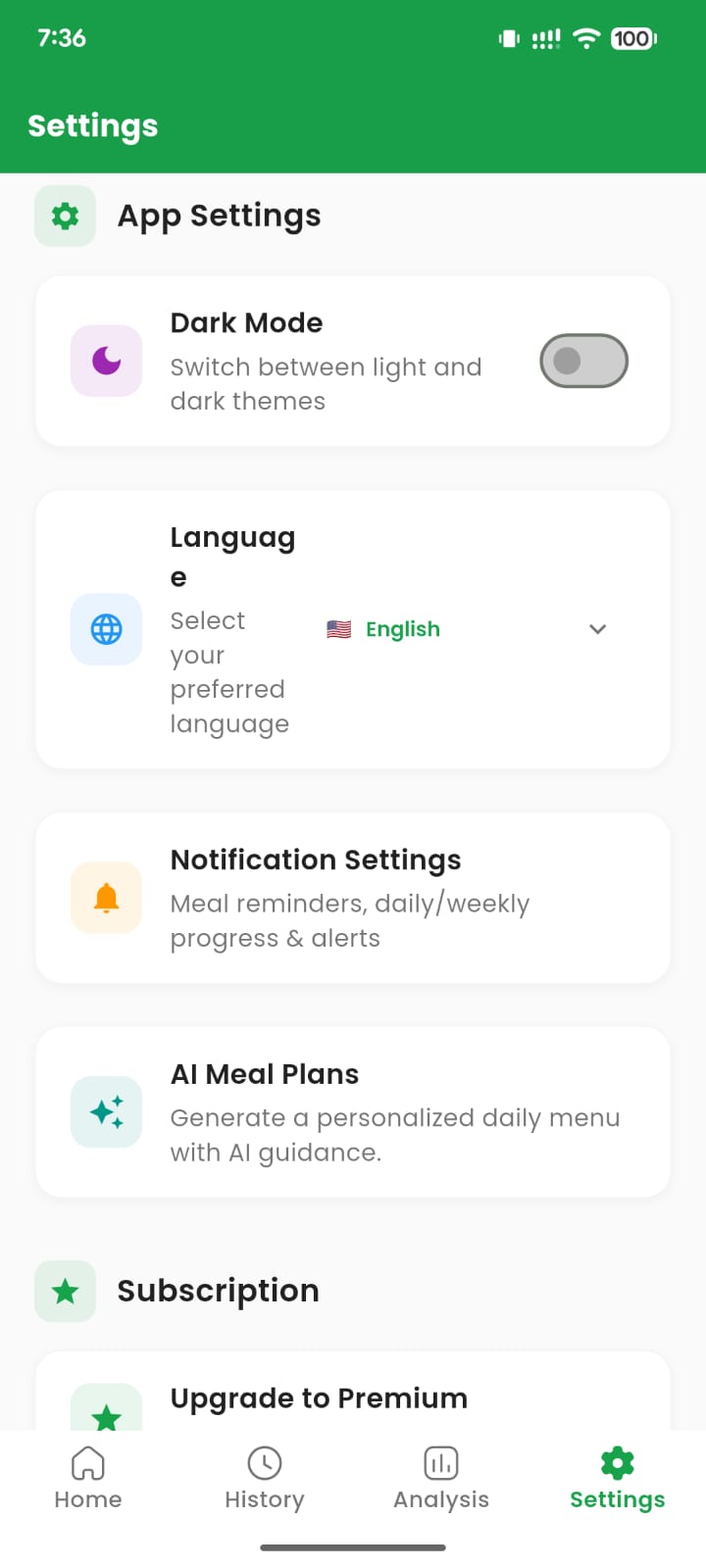
Switch between light and dark themes for a comfortable experience at any time of day.
AI Meal Guidance
Generate personalized meal guidance and practical nutrition insights based on saved food information.
A clean health app experience for daily use.
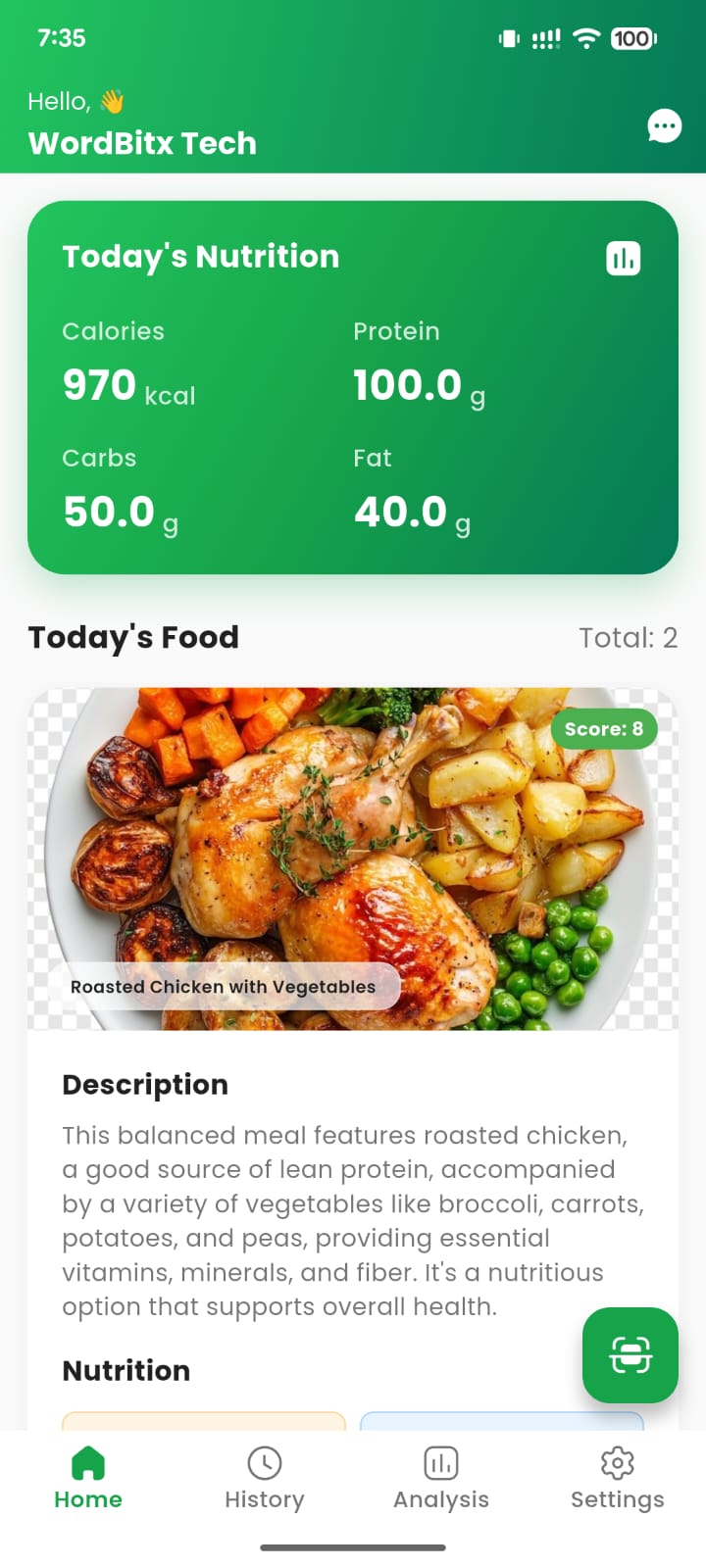
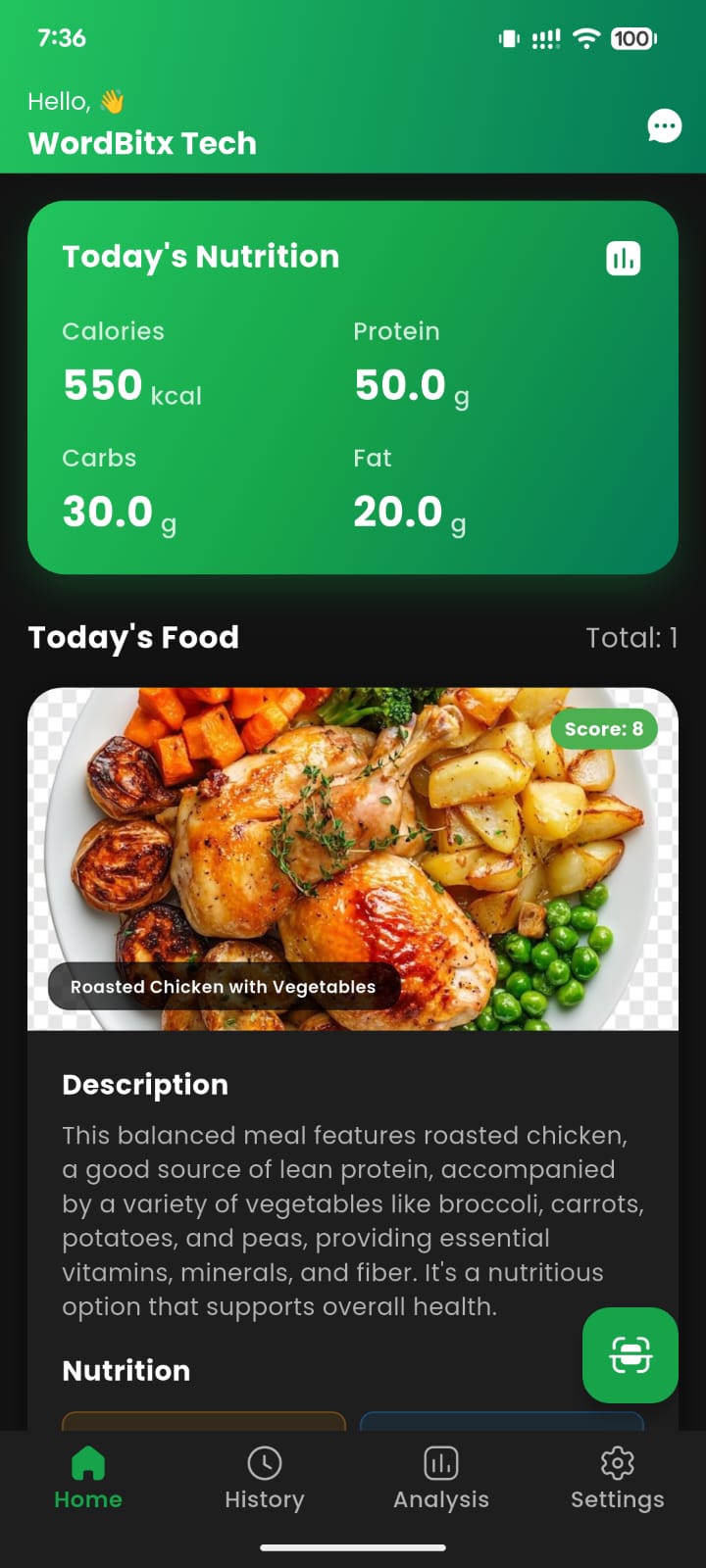
Quickly see today’s calories, protein, carbs, and fat.
Each food card includes description, serving size, date, score, and nutrition breakdown.
Privacy Policy, Terms, and Delete Account/Data pages are ready for Google Play Console.
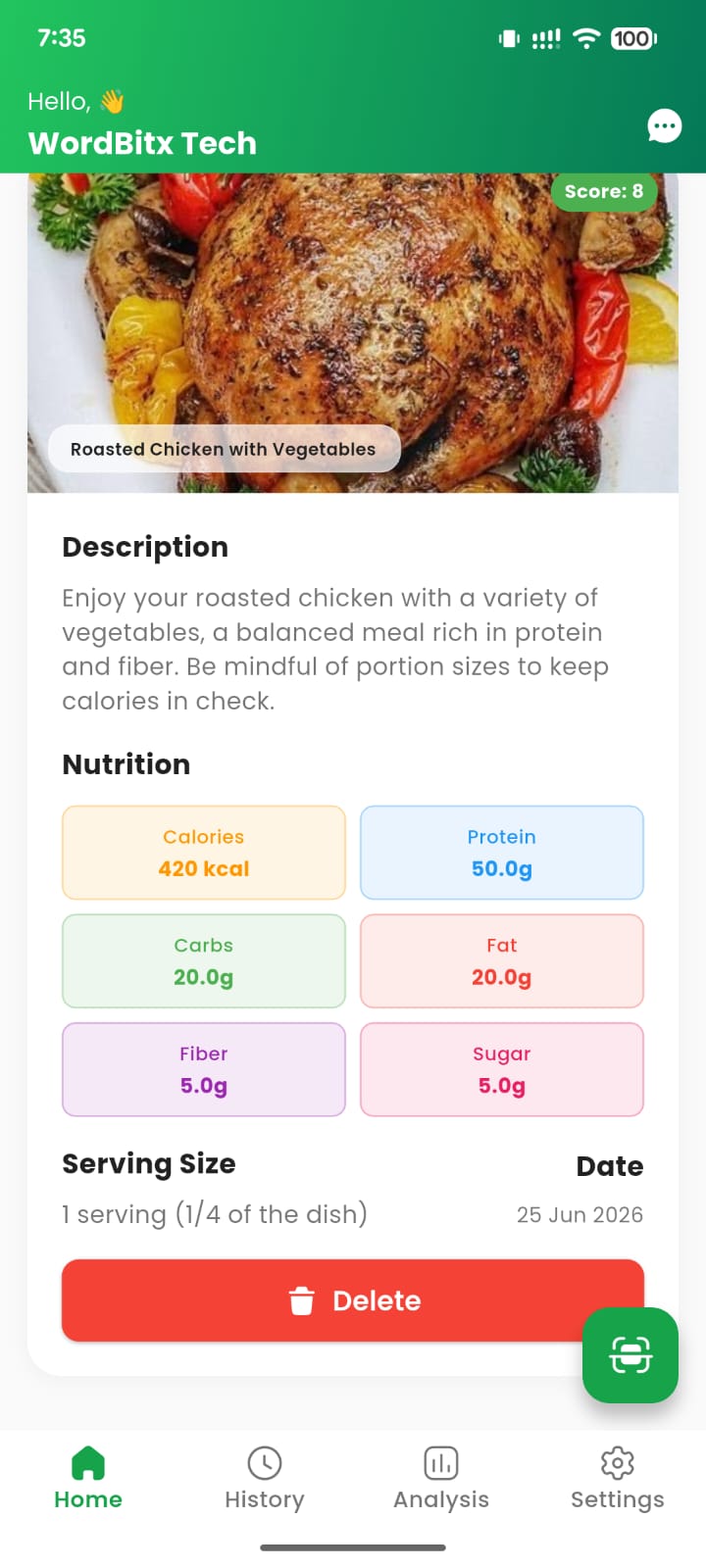
App screenshots
Real app screens showing sign-in, home dashboard, history, analysis, settings, and dark mode.
Privacy & user control
NutriScan Health includes public policy pages required for responsible app publishing.
FAQ
Common questions about NutriScan Health.
Is nutrition data a medical diagnosis?
No. Nutrition analysis is informational only and should not replace advice from a doctor, dietitian, or qualified health professional.
Does the app use Google Sign-In?
Yes. Google Sign-In may be used for account authentication and optional cloud backup/sync.
Can users delete their data?
Yes. Users can email nutriscanshealth@gmail.com from their registered email and request account/data deletion.
Can I use this page for Google Play?
Yes. Use the public Privacy Policy URL in Google Play Console, for example https://nutriscans.wordbitxtech.com/privacy.html.
Ready for Google Play submission.
Use this website on your NutriScan subdomain and add the Privacy Policy URL in Play Console.